1
📱 Download & Sign In
- Download Landline from the App Store
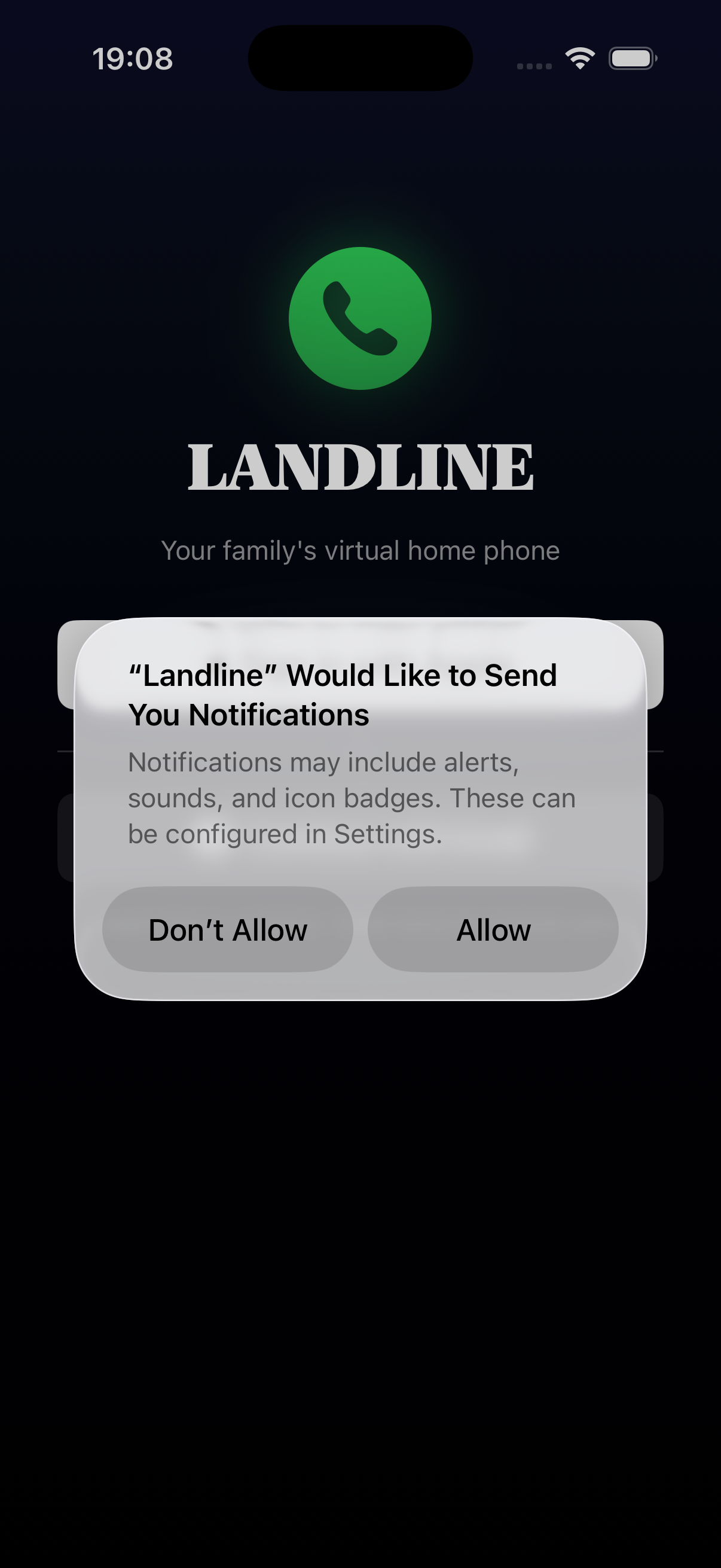
- Watch the quick intro video (or tap "Skip")
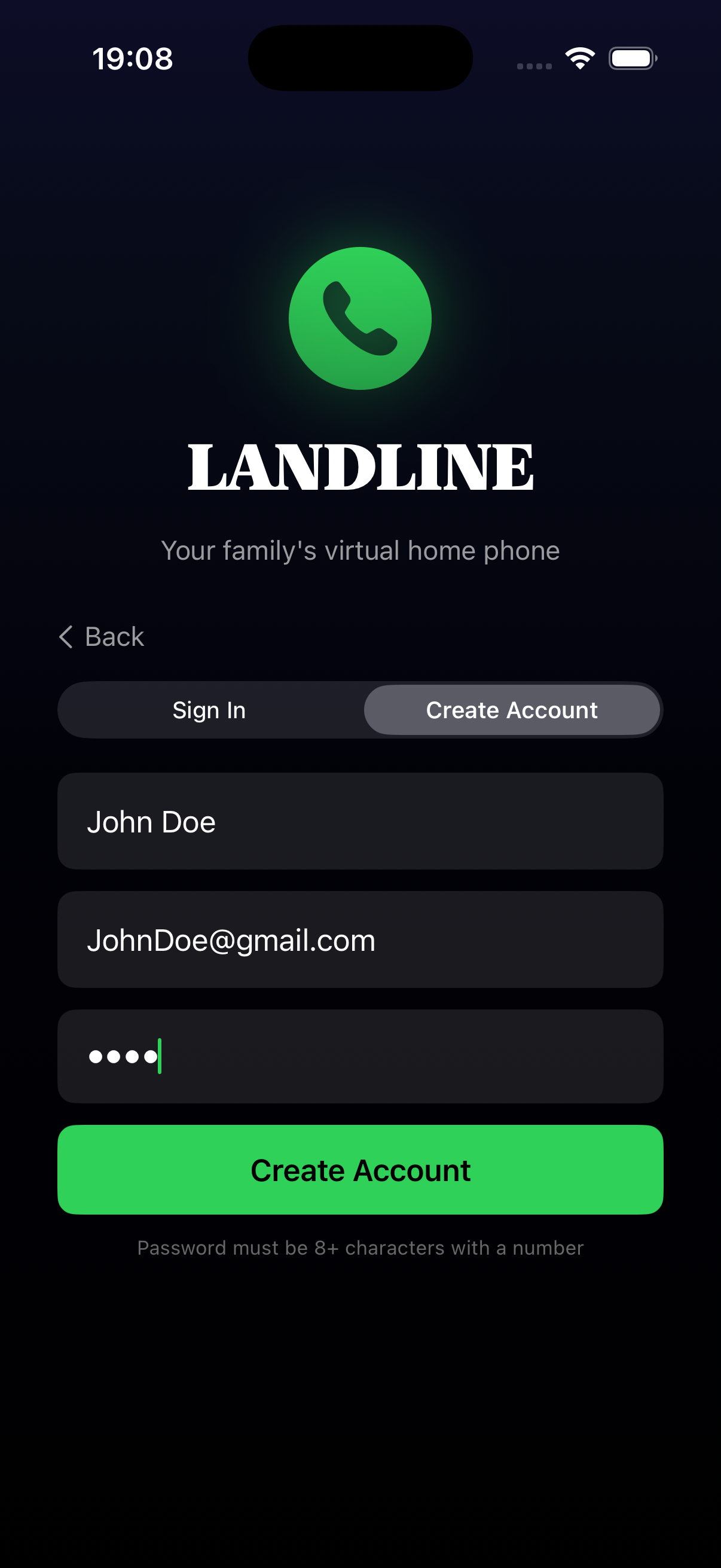
- Sign in with one of these options:
- Apple ID (fastest - one tap!)
- Email (tap "Continue with Email")
- Add your phone number when prompted — this is how family will call you back
2
👨👩👧👦 Add Your Family
- Go to the Family tab (👥 icon)
- Tap "+ Add Family Member"
- Enter their name and phone number
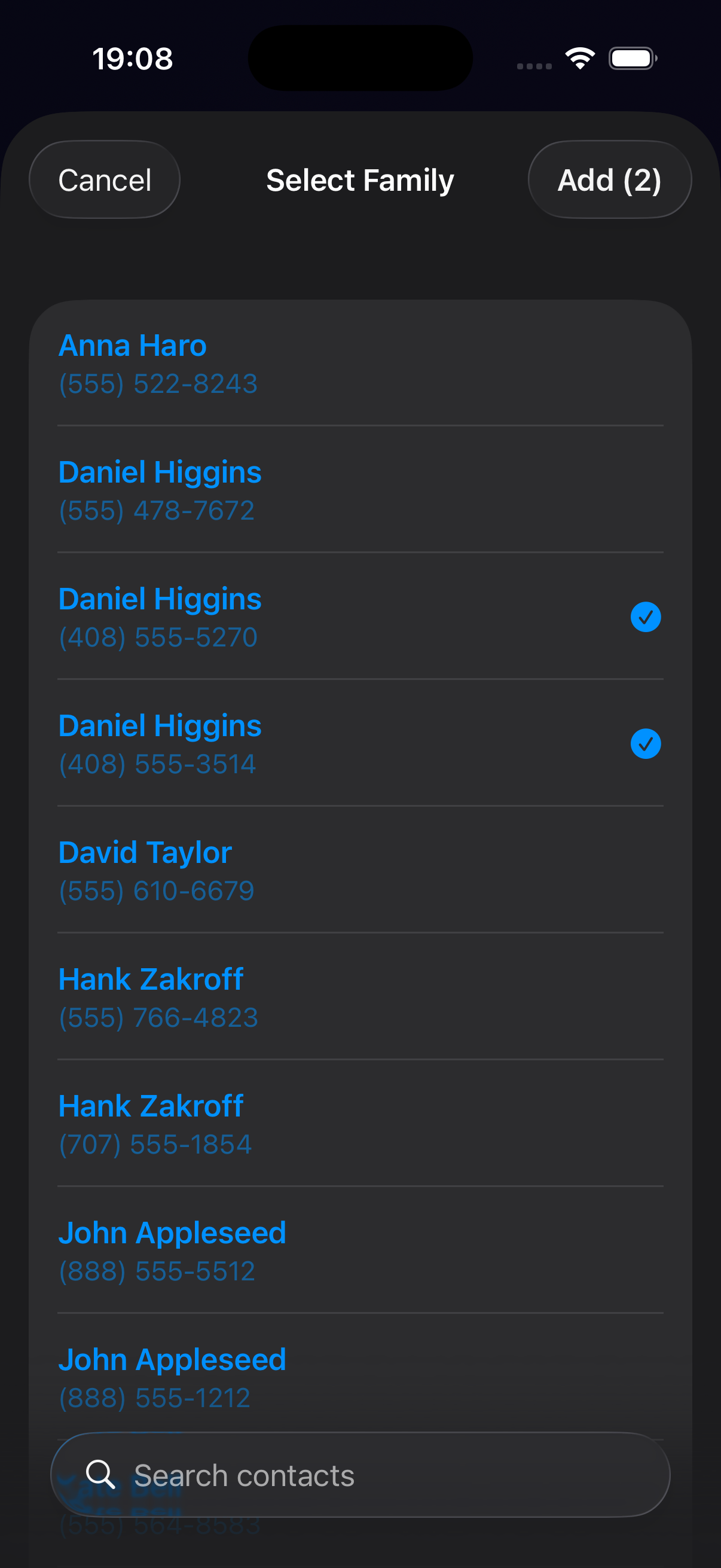
- Choose how to add them:
- Send Invite — They'll get a text to download Landline
- Add from Contacts — Quick add from your phone contacts
3
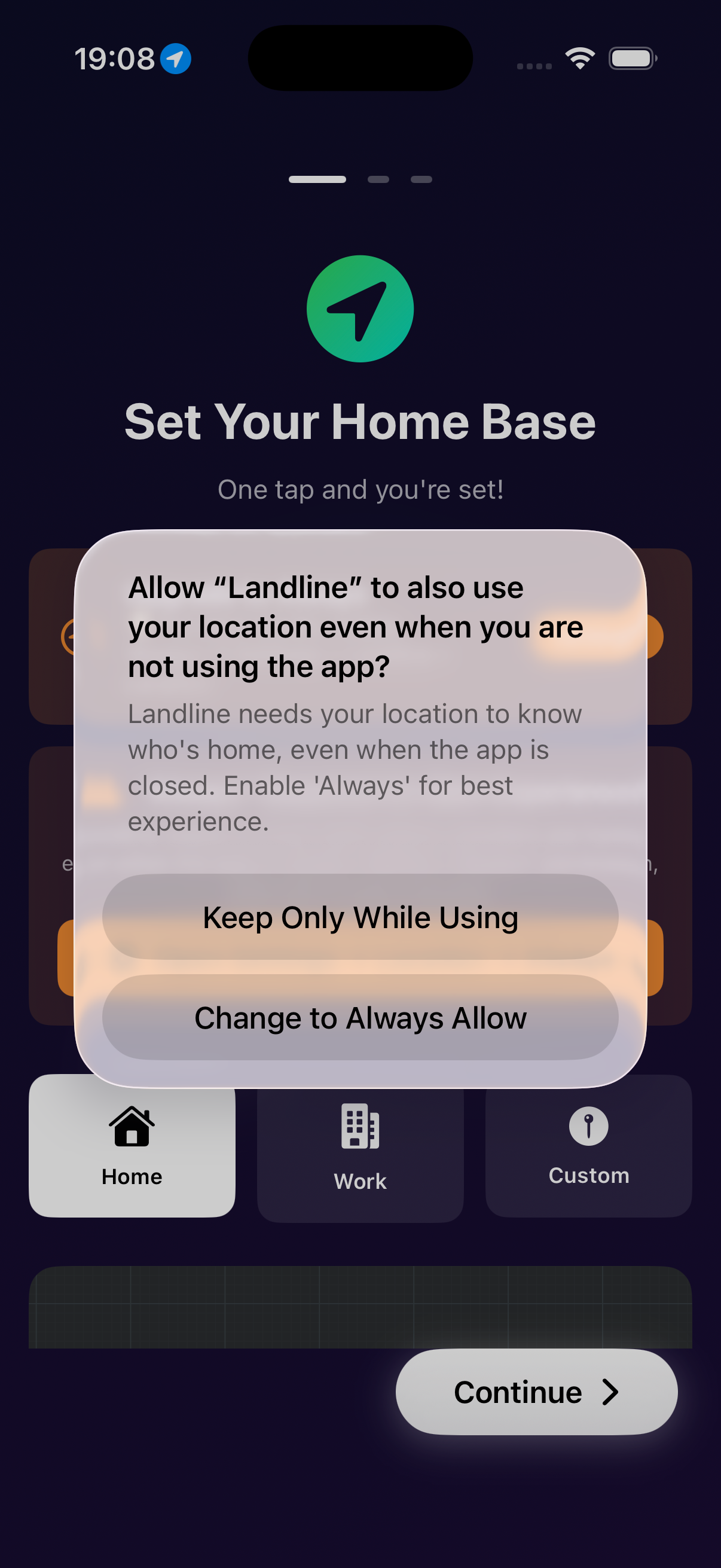
🏡 Set Your Home Location
- Go to Settings tab (⚙️ icon)
- Scroll to "Home Location"
- Either:
- Tap "Use Current Location" if you're home now
- Enter your home address manually
- Set the geofence radius (how close = "at home")
- Default: 100 meters
- Larger = more forgiving detection
4
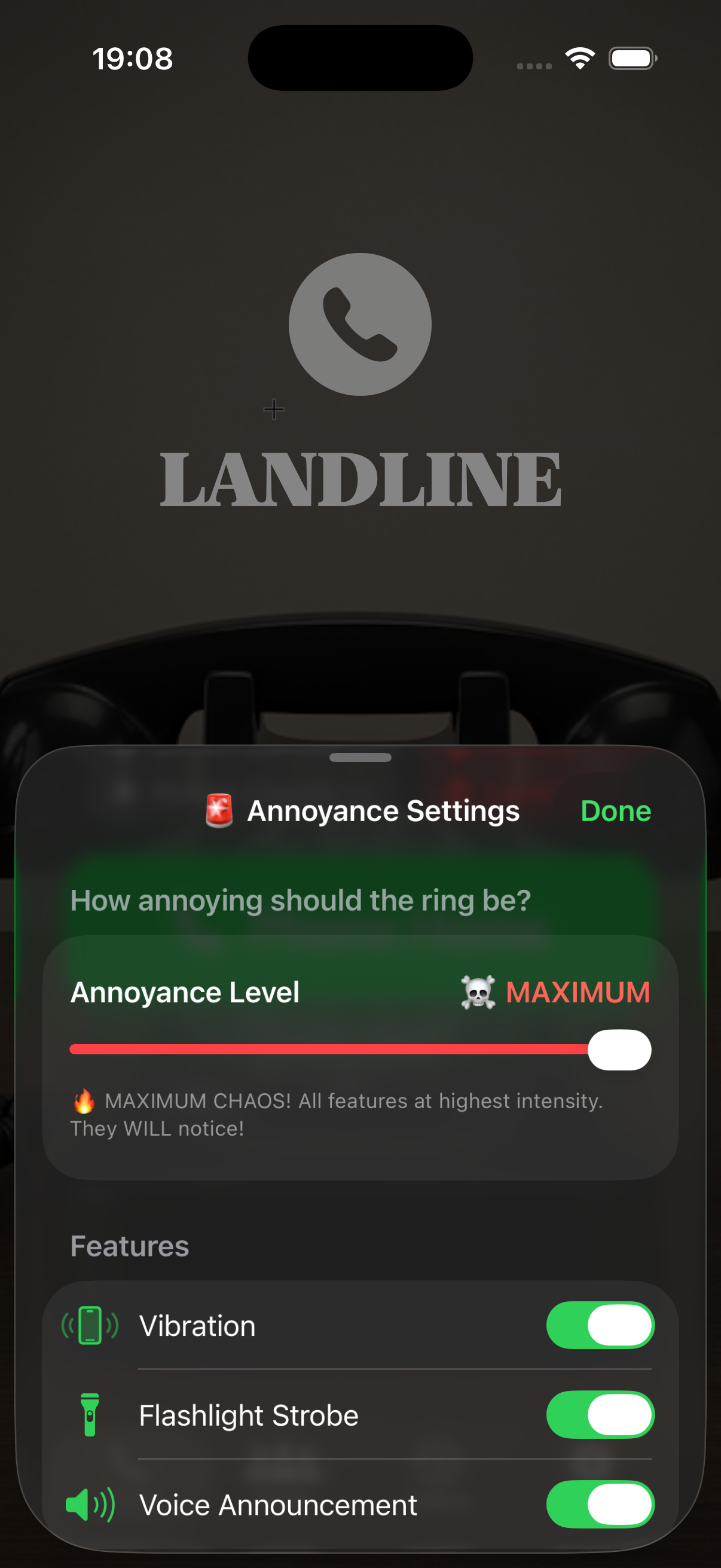
🔔 Set Aggressiveness Level
This controls HOW LOUD and ANNOYING the notifications are when someone phones home!
- Go to Settings tab
- Find "Aggressiveness" slider
- Choose your level:
| Level | What Happens |
|---|---|
| 1 | Normal notification |
| 2 | Louder + vibration |
| 3 | Loud + repeated vibration |
| 4 | LOUD + flash + haptics |
| 5 | MAXIMUM ANNOYANCE 🚨 |
5
📞 Phone Home!
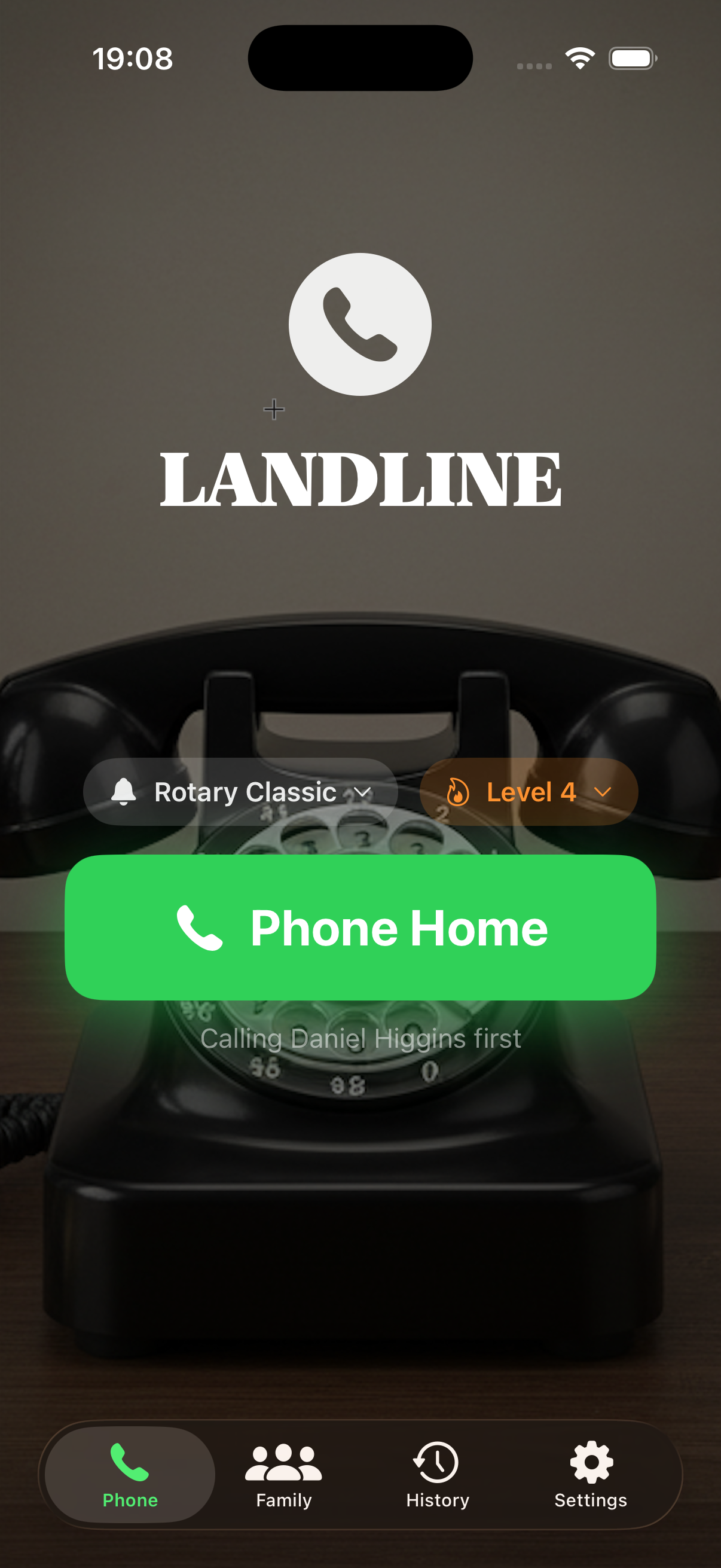
To call your family:
- Open Landline
- Tap the big "📞 Phone Home" button
- Select who you want to reach (or "Everyone at Home")
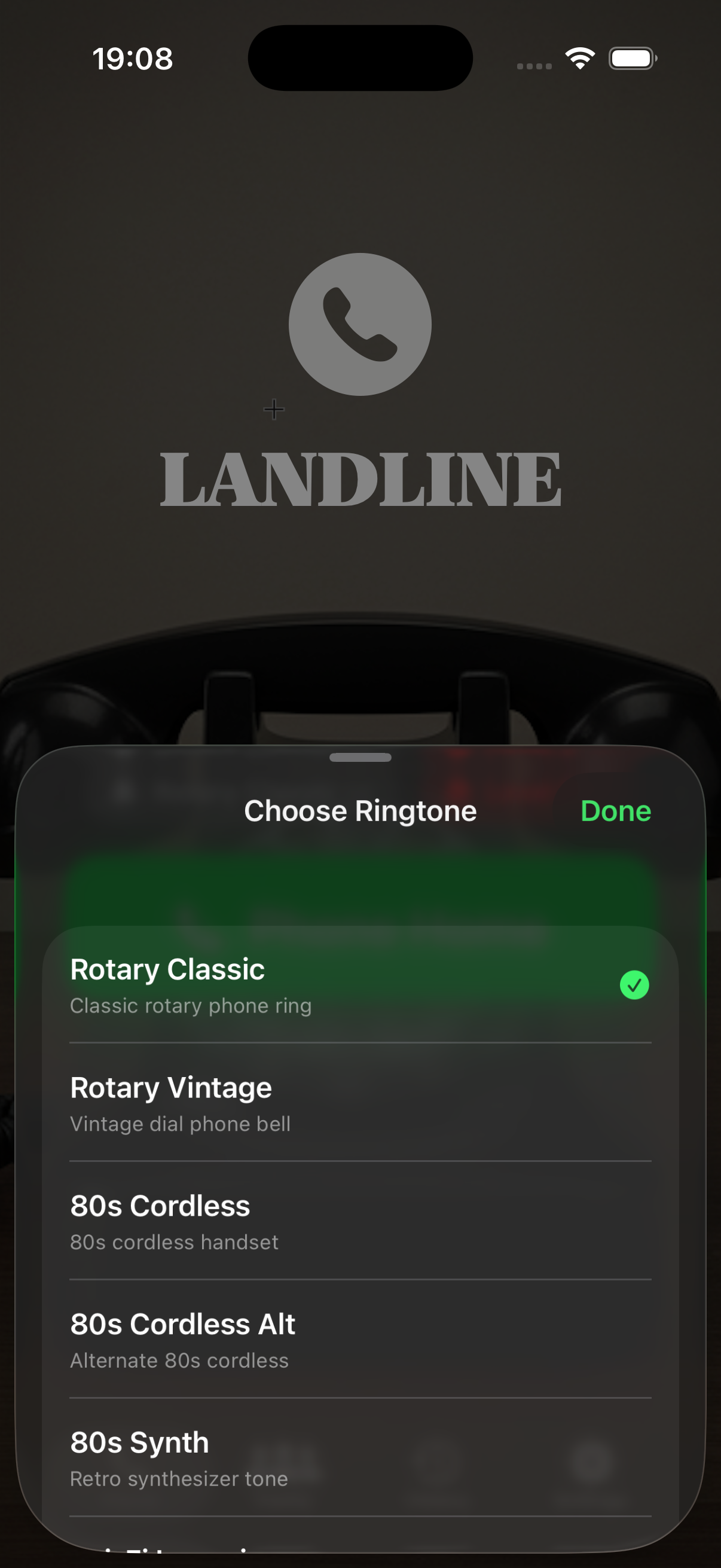
- Choose your ringtone — this plays on THEIR phone!
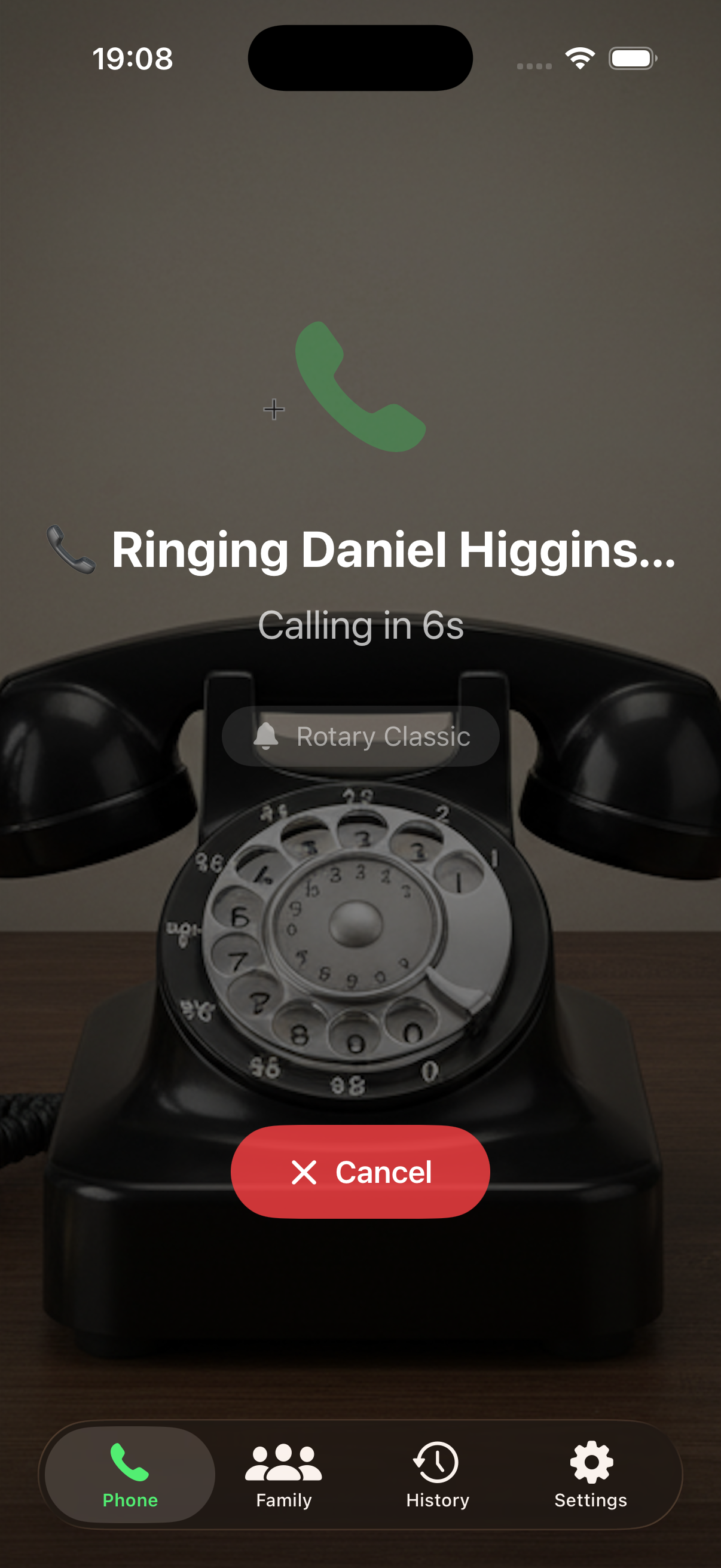
What happens next:
Everyone "at home" gets a LOUD notification. They see YOUR name: "Dad is phoning home!" When they tap it, it calls you back instantly.
6
🎯 Set Family Priority (Optional)
Control who gets called FIRST when you phone home:
- Go to Family tab
- Drag to reorder family members
- Top = highest priority (gets notified first)
If the first person doesn't answer, Landline automatically tries the next person!
🧪 Things to Test
Help us improve! Try these scenarios:
- Sign up with Apple ID or Email
- Add a family member who also has Landline
- Phone Home and see if they get the notification
- Answer the call and verify it calls back correctly
- Try different aggressiveness levels — is Level 5 annoying enough? 😈
- Test the geofence — leave home area and come back
- Dismiss a notification — does ringing stop?
🐛 Found a Bug?
Take a screenshot and send it our way!
Email Bug Report- What you were doing
- What happened vs. what you expected
- Your device model and iOS version
🙋 FAQ
Why isn't my family member showing as "at home"?
They need to have Landline installed AND be within the geofence radius of the home location.
Can I use FaceTime instead of cellular?
Yes! If you don't add a phone number, family will call you via FaceTime Audio using your email.
How do I change my ringtone?
On the Phone Home screen, tap the ringtone name to choose a different one.